Loading
Tidelight / course overview
Lesson workspace
Tidelight / Lesson 17 / Free preview
If setup goes wrong.
0 of 37 lessons doneSign in to sync progress
20/20 / The classroomLesson 17
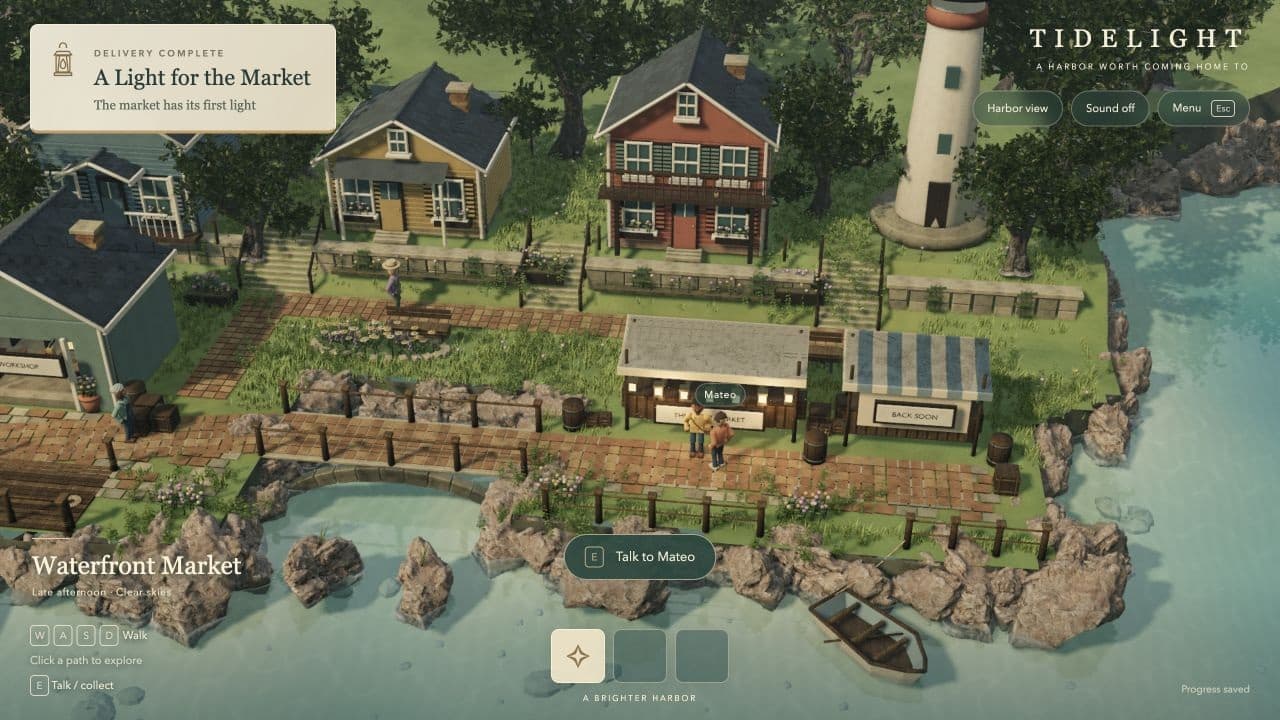
Loading lessonOpening the classroom…
Getting this lesson ready for you.
Project breakdowns. The process. The source.
The errors beginners hit most, and the fix for each.
What we’ll open up.
The errors beginners hit most, and the fix for each. This lesson follows the actual choices behind Tidelight.
Step by step
Remember
- command not found right after an install: close the Terminal and open it again.
- "can't be opened because Apple cannot check it": open it once from System Settings, Privacy & Security.
- Anything else: copy the whole error and paste it to your AI helper.
Do this now
If anything failed, use the fixes in the guide, then run every check again.